Step 1 : We need to collect the batch ID from the affected account. Please follow the below steps and with the Batch ID.
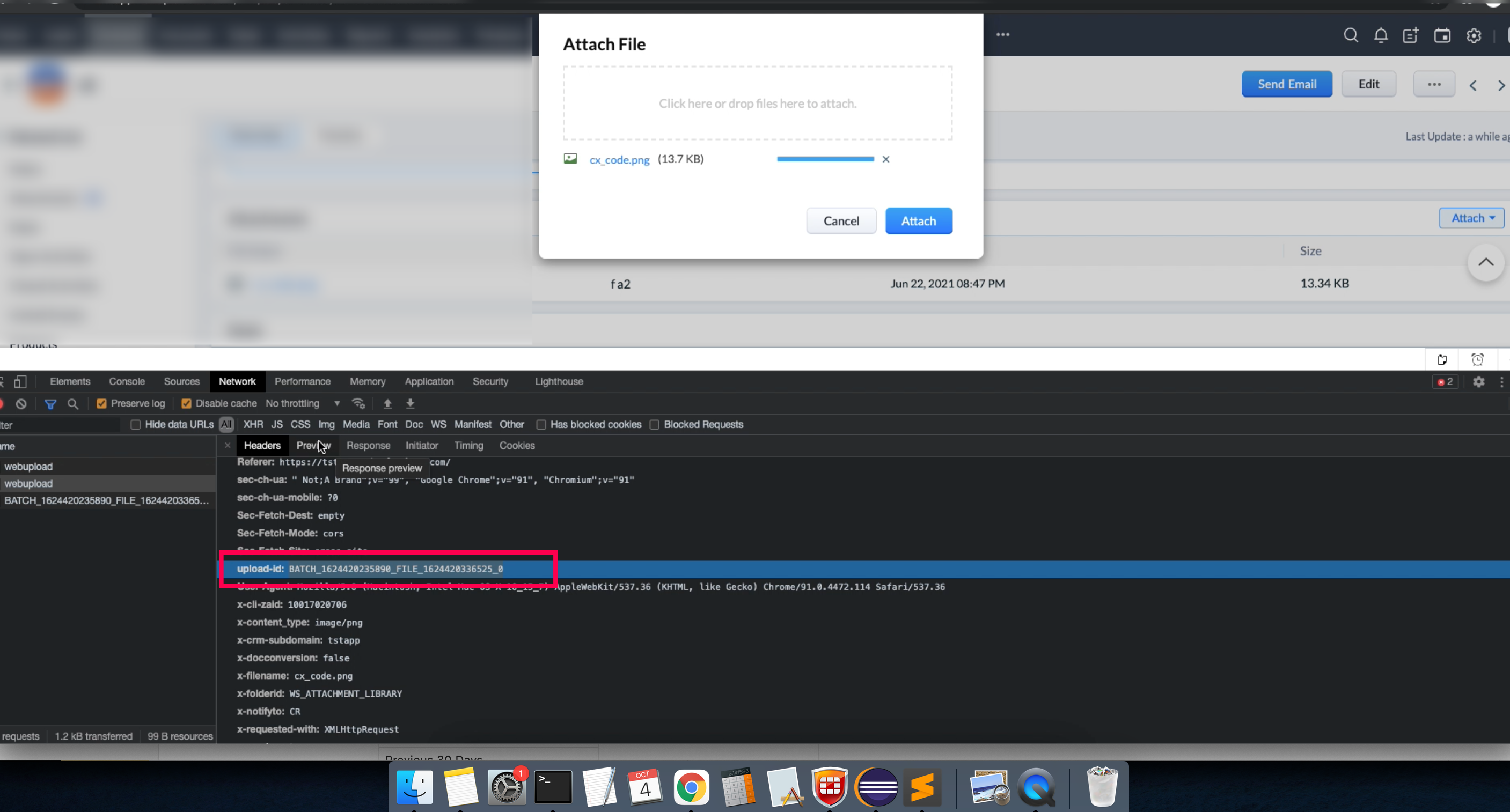
Step 2 : Try to access the given URL upload.zoho.com / upload-accl.zoho.com in another tab, and share this web page screenshot (like below).
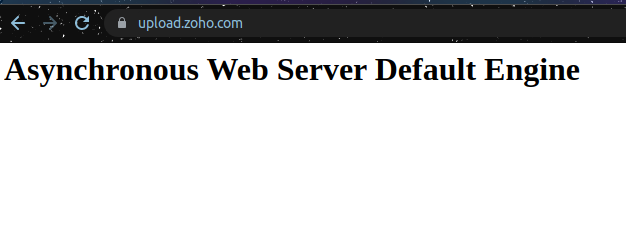
Step 3 : Send results to Zoho Developer Support at support@zohodeveloper.com
Was this article helpful?
That’s Great!
Thank you for your feedback
Sorry! We couldn't be helpful
Thank you for your feedback
Feedback sent
We appreciate your effort and will try to fix the article