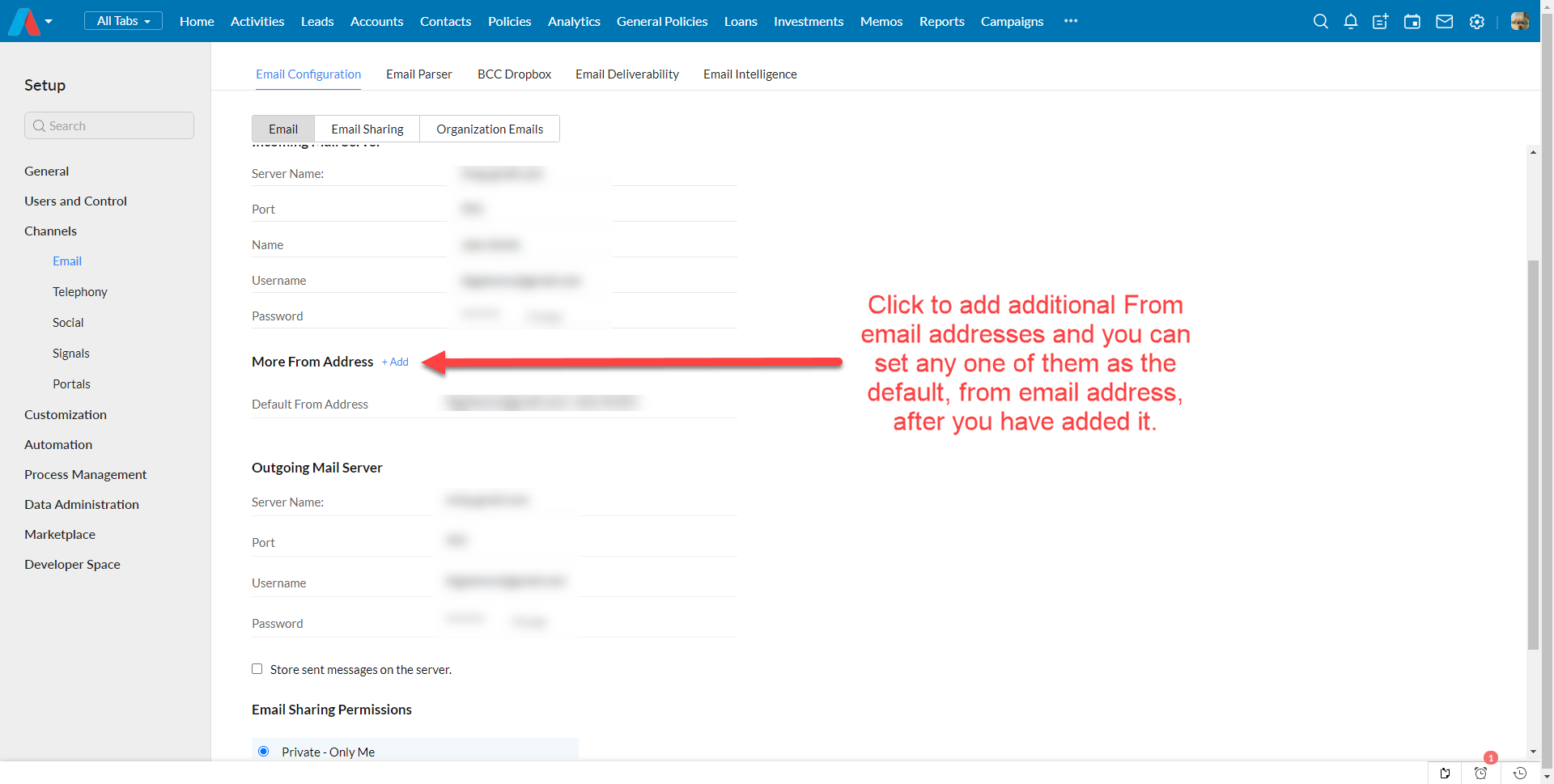
You can add additional From email addresses and choose that as a default email address or choose that address manually to send specific emails. Log into your Adviser CRM account and click Setup > Channels > Email and in the email section you will see More From Address click +Add and add any other From email addresses you want and you can leave your current email address as the default email address or you can select the new From email address to be your default email address.
When you manually send an email, you will be able to select any of the From email addresses you have added.
Was this article helpful?
That’s Great!
Thank you for your feedback
Sorry! We couldn't be helpful
Thank you for your feedback
Feedback sent
We appreciate your effort and will try to fix the article